 pastecal
How pastecal works
A calendar you share with a link. Nobody has to sign up or install anything.
Make a calendar in seconds
Click a day and type an event. Press Save & share and you have a link.
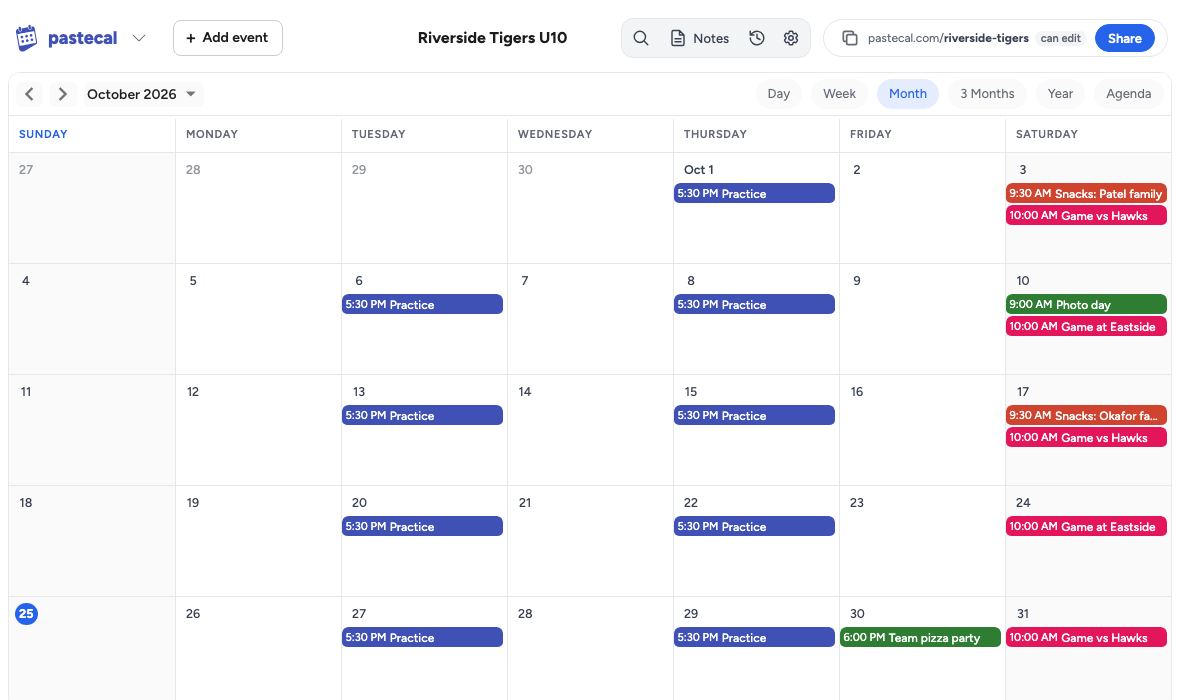 4:00 PM Picture day
Two links: one to edit, one to view
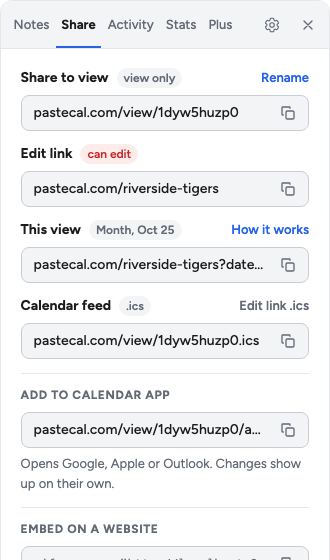
Anyone with the edit link can change the calendar. The view link is read-only, so you can post it anywhere.
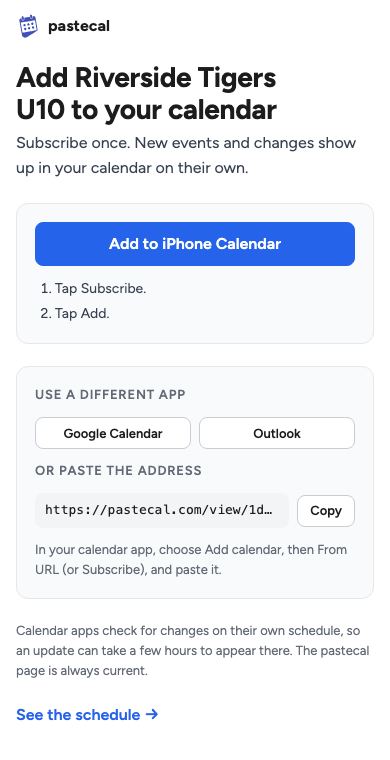
Add it to your phone calendar
The view link has an Add to my calendar button. It opens a page that picks your calendar app, and changes show up there on their own.
Colors, notes and search
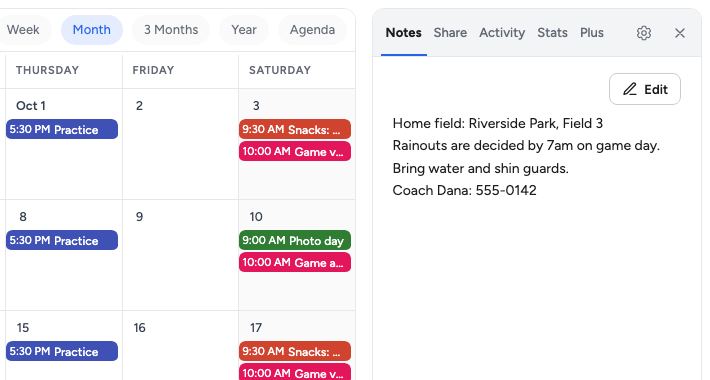
Give each kind of event its own color. Keep the field address and phone numbers in the notes beside the calendar, and search when you need to find something.
On your website, or on the fridge
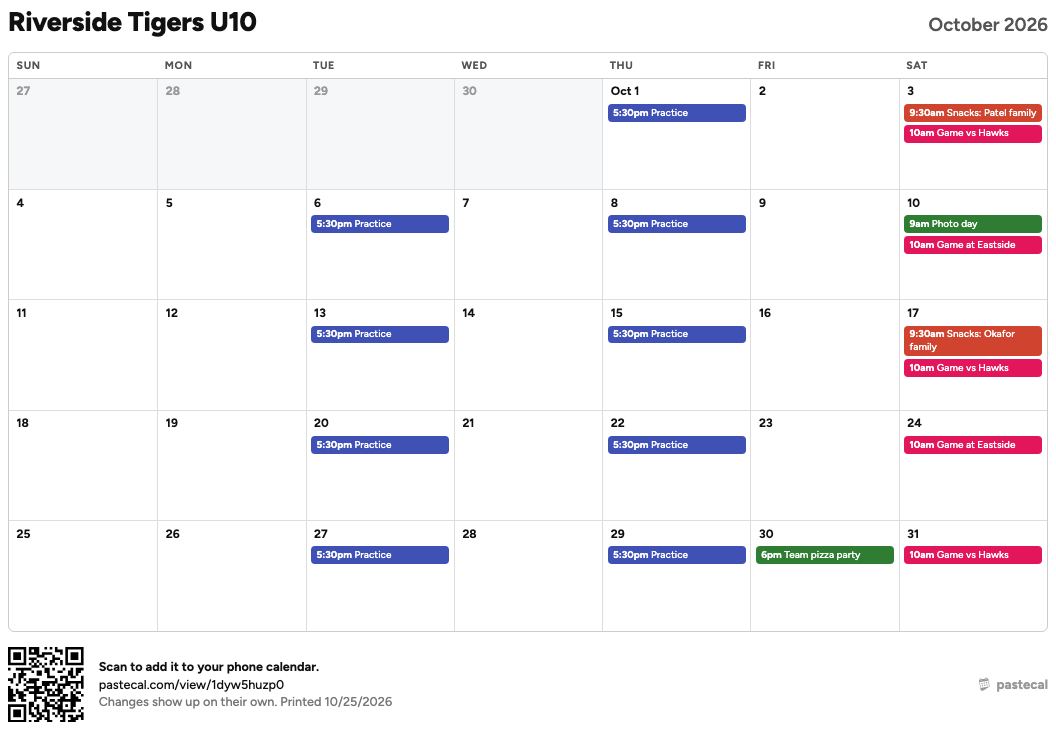
Paste the embed code into your website. Or print a one-page month with a QR code that adds the calendar to a phone.
Lock it when you need to
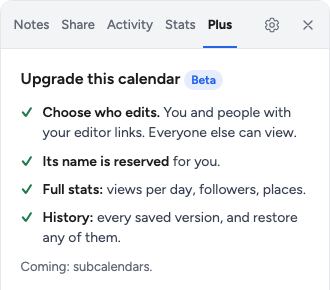
With Plus, only you and the people you choose can edit. Everyone else can still view it.